Step-by-Step Instructions
Google Chrome
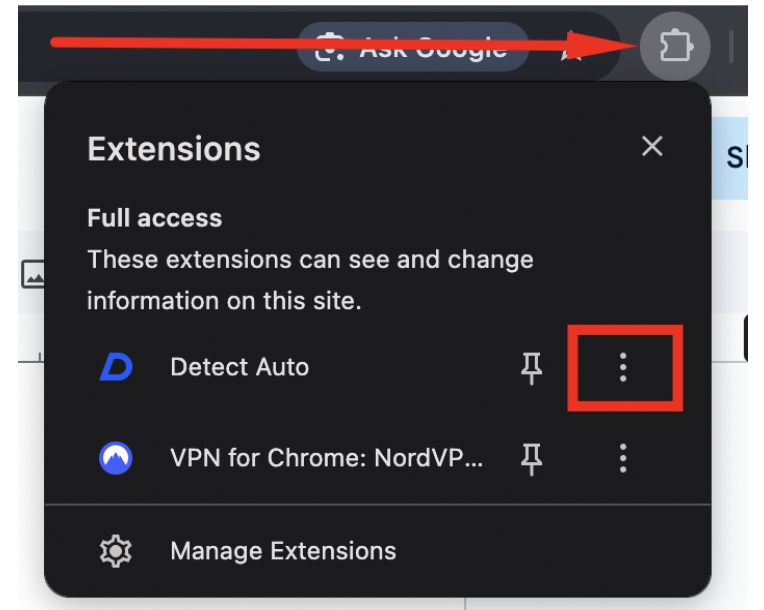
- Click on the extensions shortcut on the left side of the search bar in Google Chrome, then click on the three dots beside Detect Auto.
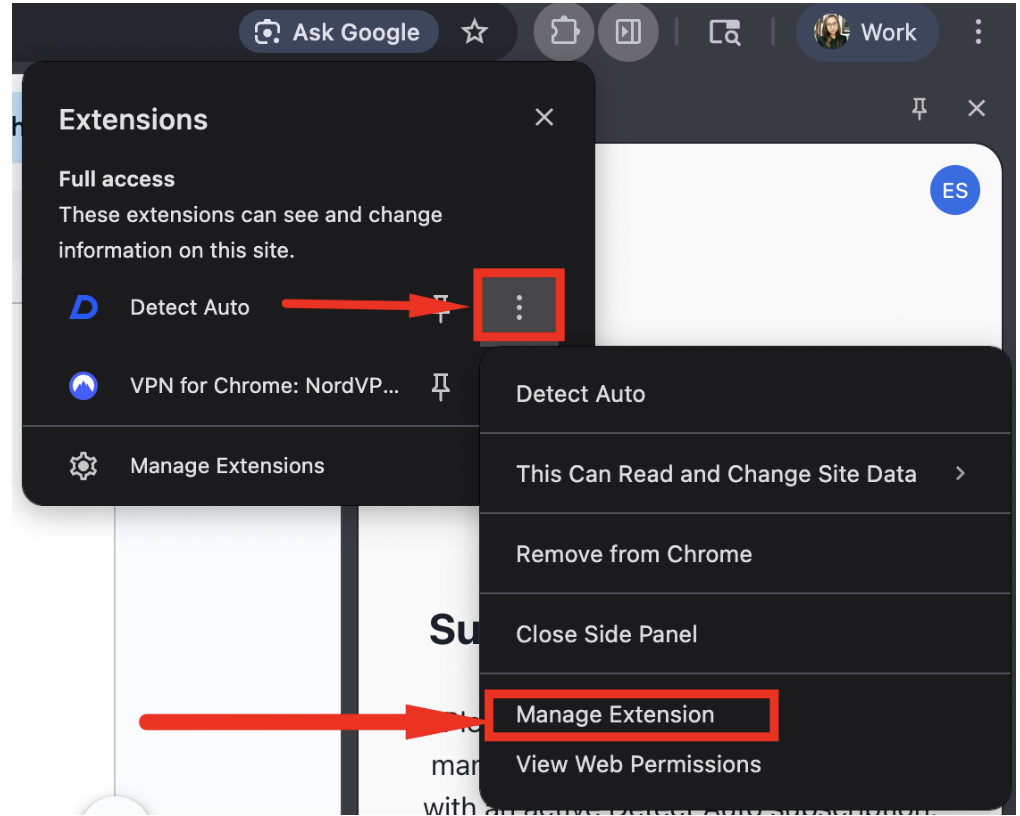
- Select Manage Extension.
- Scroll down to the bottom and click Remove, then select Remove again in the confirmation message pop-up.
- Go to this link and click on Add to Chrome.
https://chromewebstore.google.com/detail/detect-auto/gcdeggbbhghacnodhgdffajmijjkknbi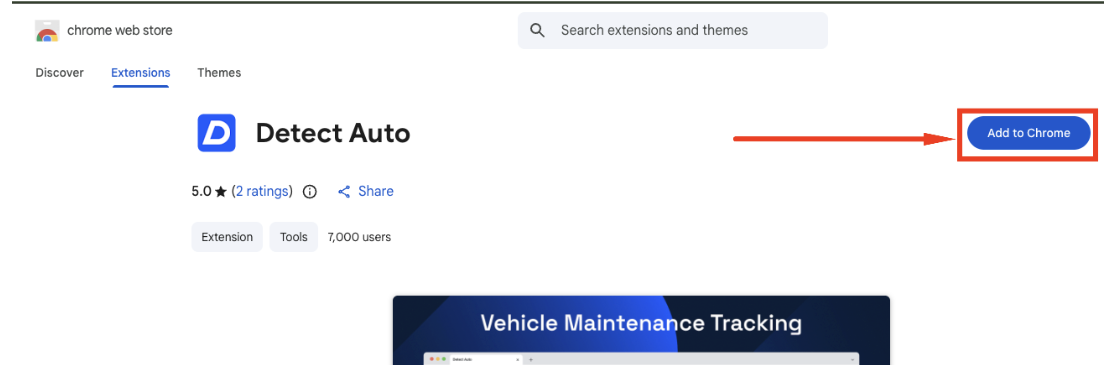
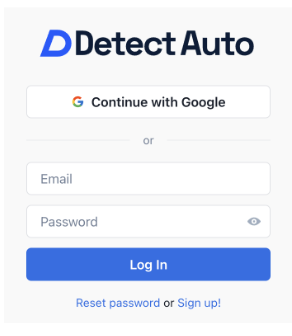
- Sign in using your email and password OR Continue with Google Chrome.