Step-by-Step Instructions
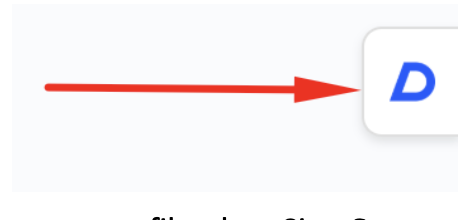
- Click on the extension from the right side of your screen.
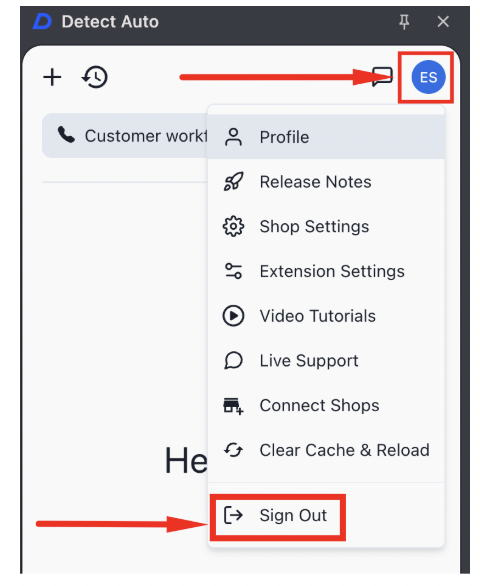
- Click on your profile, then Sign Out.
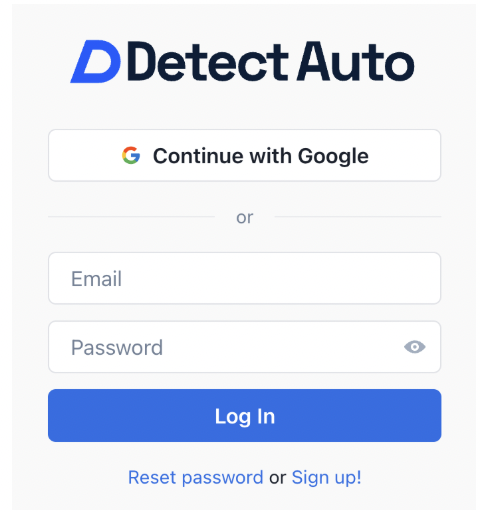
- Sign back in to Detect Auto with your email and password OR Continue with Google.